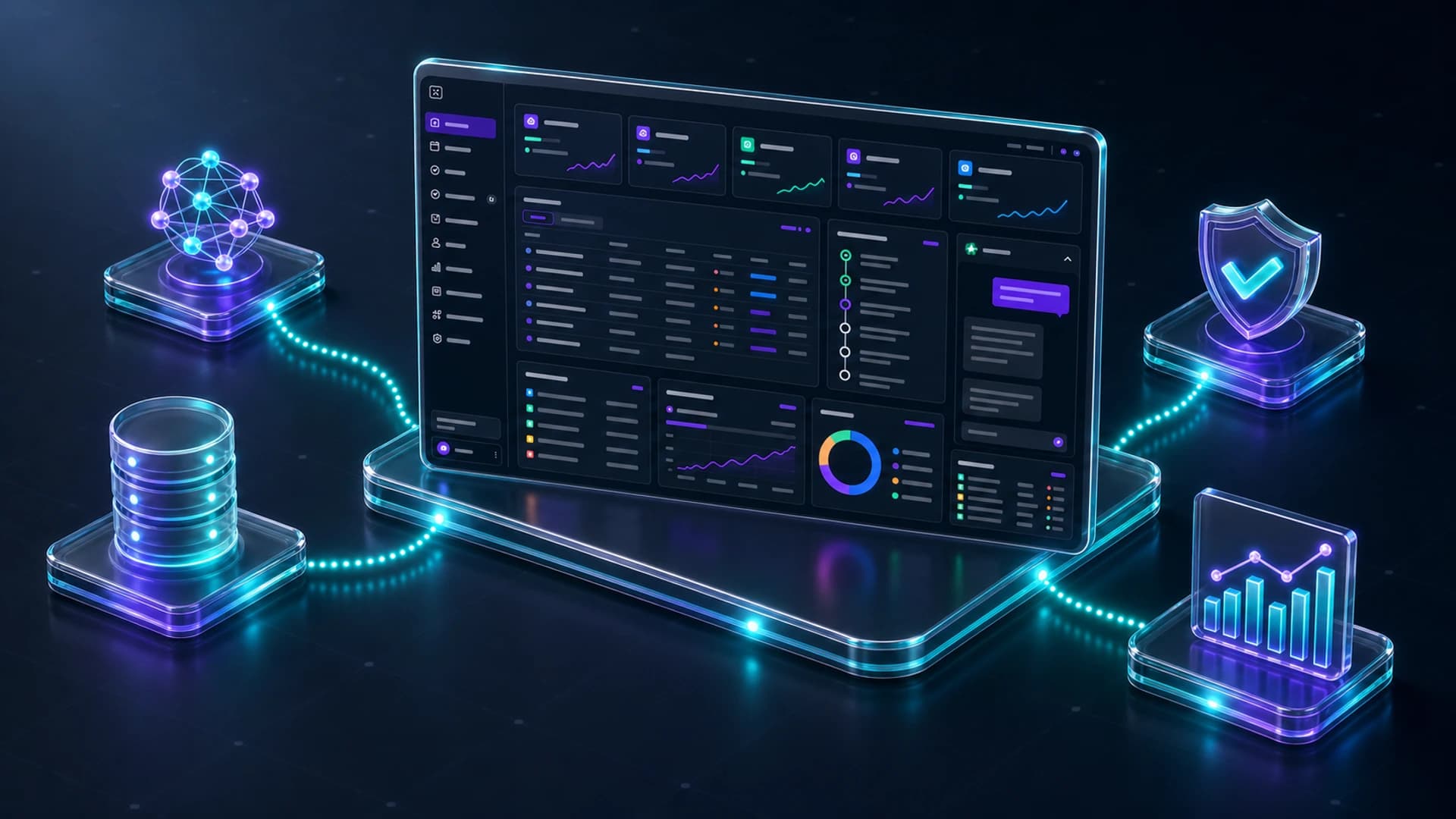
If AI is doing important business work, clients need more than a chat window. They need a command center that shows tasks, approvals, deliverables, usage, and status.
Most AI interfaces hide the work. A user asks a question, receives an answer, and has little visibility into what happened behind the scenes. That may be fine for personal productivity. It is not enough for managed enterprise operations.
When an AI workforce is managing campaigns, content, finance operations, inventory, reporting, or research, the client should be able to inspect the work like any other business process.
The Five Views That Matter
- Projects: what the workforce is responsible for right now.
- Tasks: what is active, blocked, complete, or waiting for input.
- Approvals: what requires a human decision before it moves forward.
- Deliverables: what has been produced, revised, sent, or published.
- Usage: token activity, model routes, cost signals, and capacity limits.
These views turn AI from a black box into an operating system. The client can see what is happening without asking for a status update.
Chat Still Matters
A command center should include live agent chat, but chat should be connected to project context. The client should be able to ask what changed, why a task is blocked, what deliverables are ready, or which approvals are waiting.
The agent should answer from the actual project state, not from a generic knowledge base. That is what makes the interface operational instead of informational.
Why Visibility Changes Adoption
Executives and operators trust systems they can inspect, which is the practical argument for approval queues and audit trails. A dashboard creates confidence because it shows pace, cost, quality, and accountability. It also gives the managed service team a shared source of truth with the client.
A client command center is not a reporting layer. It is the operating surface for managed AI work.
What To Avoid
- A generic chat interface with no project state.
- Analytics that show usage but not business output.
- Deliverables stored outside the workflow.
- Approval requests buried in email.
- No clear owner for blocked work.
Give clients visibility into the work.
Archon Workforce gives clients dashboard access to projects, tasks, approvals, analytics, deliverables, token usage, and live agent chat.
See Workforce →